What Should Managed IT Support Actually Include?
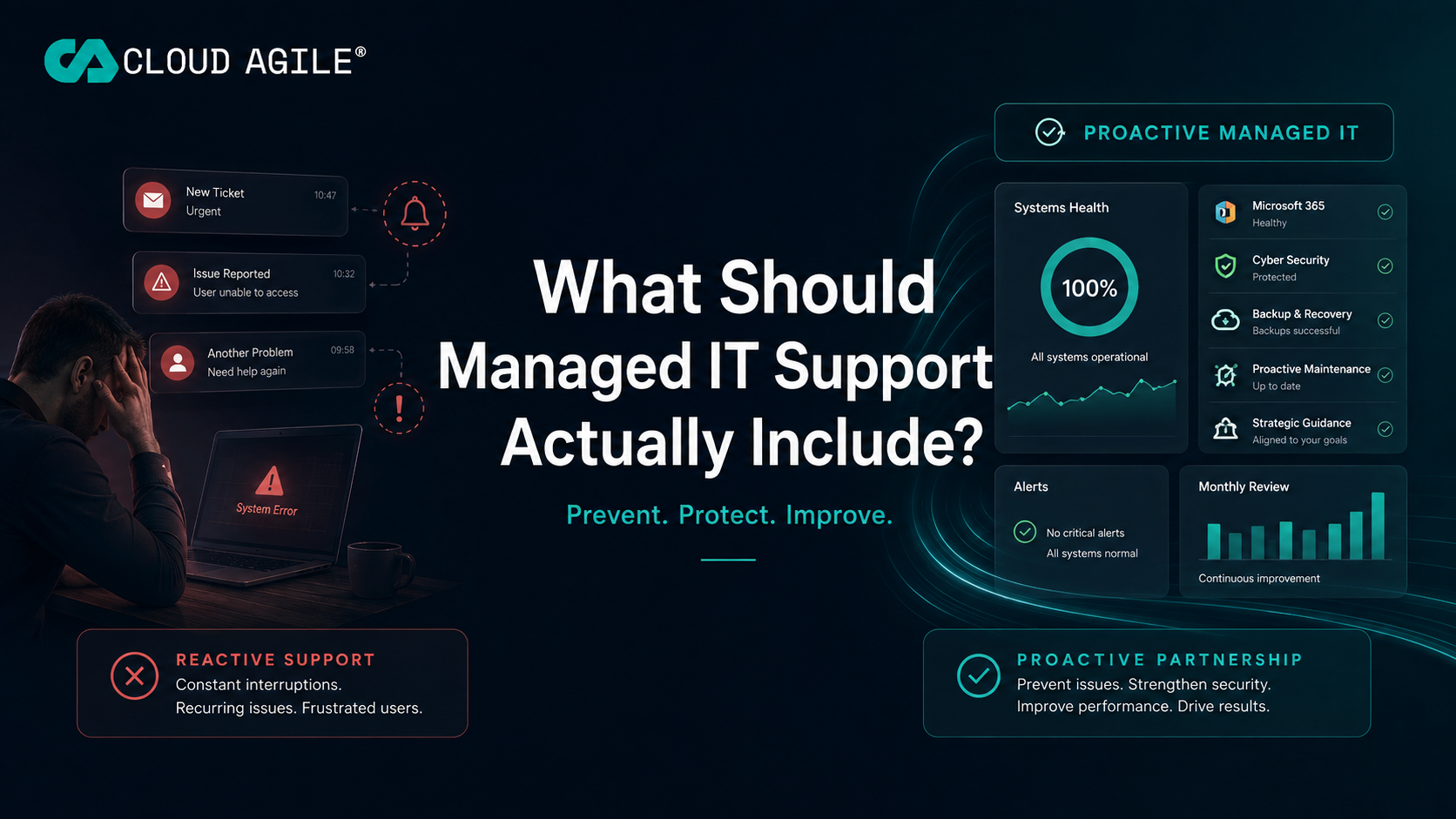
When businesses compare IT support providers, the conversation often starts with two questions: how quickly will you answer the phone, and how much will it cost per user?
Both matter. But they tell you surprisingly little about whether you are actually buying a managed IT service.
A managed IT provider should not simply wait for something to break and then respond to a ticket. It should be actively managing the technology your business depends on: keeping systems secure, identifying recurring problems, managing Microsoft 365 and helping you plan what comes next.
In simple terms, managed IT support should include helpdesk support, proactive monitoring, Microsoft 365 administration, cyber security, patching, backup oversight, user management and ongoing technology guidance.
Here is what that should look like in practice.
1. Responsive Day-to-Day IT Support
The helpdesk is still important. When somebody cannot access their email, connect to a system or use their laptop properly, they need straightforward access to somebody who can help.
Good IT support should provide:
- Clear routes to contact the support team
- Defined response targets
- Remote troubleshooting
- Escalation when deeper technical expertise is required
- On-site assistance where remote support is not appropriate
- Clear communication throughout longer-running issues
But ticket response time should not be the only measure of quality. A provider resolving the same fault every Friday may have excellent response statistics while still delivering poor IT management.
2. Proactive Monitoring and Maintenance
This is where IT support starts becoming managed IT support. Devices, servers and important services should be monitored so that potential issues can often be identified before somebody needs to report them.
This can include:
- Device health monitoring
- Disk-space and performance alerts
- Endpoint security monitoring
- Operating-system updates
- Third-party software patching
- Service availability checks
- Automated remediation for known issues
The objective is simple: reduce the number of problems employees experience in the first place. Much of this maps directly to the NCSC cyber security guidance for small organisations, which treats routine updating and monitoring as foundational controls rather than optional extras.
3. Microsoft 365 Management
For many SMEs, Microsoft 365 has become the centre of their technology environment. It contains email, files, Teams, SharePoint, identities and potentially significant amounts of confidential company information.
Managed IT support should therefore cover much more than resetting Microsoft 365 passwords. It should include areas such as:
- New user creation
- Mailbox management
- Microsoft licensing
- Multi-factor authentication
- Microsoft Entra ID
- Conditional Access where appropriate
- SharePoint and Teams administration
- Group and permission management
- User offboarding
- Security configuration
Offboarding is particularly important. A user leaving the business should trigger a controlled process, not a rushed email to IT asking somebody to "turn their account off". Microsoft publishes a clear checklist for removing a former employee from Microsoft 365, and a managed provider should be following something equivalent every time.
4. Cyber Security Should Be Built Into Support
Cyber security should not sit completely separately from managed IT. The people managing your devices, identities and Microsoft 365 environment are already responsible for many of the controls that determine how secure the organisation is.
Managed IT support should therefore help address:
- Endpoint protection
- Multi-factor authentication
- Email security
- Security updates
- Administrator permissions
- Device policies
- Suspicious login activity
- User access
- Vulnerability management
- Security recommendations
Cyber security should be part of normal IT management, rather than something only discussed after an incident. The UK Government's Cyber Security Breaches Survey continues to show that a significant proportion of smaller organisations experience breaches or attempted attacks each year, and that basic controls remain the difference between disruption and a non-event.
5. Backup and Recovery Oversight
Having a backup product installed is not the same as knowing your business can recover. Managed IT support should be able to answer:
- What is being backed up?
- How frequently?
- How long is data retained?
- What happens if a backup fails?
- Who reviews those failures?
- When was the last restoration tested?
- How quickly could critical data be recovered?
A green dashboard showing "backup successful" is useful. A tested recovery process, in line with the NCSC guidance on backing up your data, is considerably more valuable.
6. New Starters, Leavers and Access Management
A managed IT provider should maintain a repeatable process for employee changes. For new starters this should include account creation, licensing, equipment preparation and appropriate access. For role changes, permissions should be adjusted to reflect the employee's responsibilities. For leavers, access should be removed promptly, company information protected and equipment recovered where required.
These processes should be documented rather than reinvented every time somebody joins, changes role or leaves.
7. Recurring Problems Should Be Investigated
Imagine somebody reports that Outlook crashes. The support team fixes it. A week later, it happens again. Then another employee reports the same behaviour.
There are two ways to manage this. Approach one: keep resolving the tickets. Approach two: identify the pattern and determine why the problem keeps happening. Managed IT should aim for the second.
Recurring ticket analysis can reveal:
- Faulty applications
- Ageing hardware
- Poor connectivity
- Bad configurations
- Inefficient processes
- Training gaps
- Software conflicts
- Wider problems affecting a department
A closed ticket is not necessarily a solved problem.
8. Your IT Provider Should Help You Plan Ahead
Perhaps the biggest difference between basic IT support and a genuine managed service is what happens when nothing is broken. A good provider should still be talking to you.
That conversation might cover:
- Technology budgets
- Hardware replacement
- Microsoft licensing
- Cyber security improvements
- Upcoming projects
- Business growth
- New offices
- Compliance requirements
- AI and automation opportunities
- Systems that are no longer delivering value
This is where managed IT support and strategic IT consultancy should come together.
9. What Should Your Managed IT Provider Report to You?
Businesses should be able to understand whether their IT environment is improving. Useful service reviews might include:
- Recurring support issues
- Major incidents
- Security risks
- Device health
- Outstanding recommendations
- Licensing changes
- Backup status
- Projects and priorities
- Technology spend
- Progress against an agreed roadmap
The purpose should not be to overwhelm directors with a huge technical report. It should be to provide enough useful information for leadership teams to make sensible technology decisions.
10. How Do You Know If Your Current IT Support Is Good Enough?
Ask yourself:
- Do we mostly hear from our provider when something has gone wrong?
- Do the same problems keep coming back?
- Do we understand our major technology and cyber risks?
- Does somebody proactively discuss what we should improve next?
- Do we know whether our Microsoft 365 environment is being actively managed?
- Can our provider explain our technology roadmap in business terms?
If the answer to several of those questions is no, you may have an IT support contract rather than a genuinely managed service. Our guide on why UK SMEs should outsource their IT support covers what to look for if you are weighing up a change.
Why Support and Consultancy Should Work Together
Traditional IT support is often measured through response times, resolution times and ticket volumes. Those measures matter, but they do not show whether the underlying business is becoming easier to operate.
A consultancy-led managed IT service should also help an organisation:
- Reduce recurring incidents
- Improve employee use of Microsoft 365
- Review underused software licences
- Identify secure automation opportunities
- Plan equipment and software investment
- Improve cyber security and permissions
- Create a practical technology roadmap
- Measure whether improvements are delivering value
At Cloud Agile, we combine the strategic thinking of an IT consultancy with the delivery capability of a managed service. Our managed IT support gives businesses day-to-day technical support, proactive monitoring, Microsoft 365 management and cyber security, while our consultancy-led approach helps identify where technology can reduce risk, improve efficiency and support growth.
This means the organisation does not receive a recommendation that disappears after implementation. The solution remains monitored, supported and reviewed as the business changes.
Frequently Asked Questions
What Does Managed IT Support Include?
Managed IT support normally includes a helpdesk, remote support, proactive device monitoring, patch management, Microsoft 365 administration, cyber security controls, user management, backup oversight and ongoing technology advice.
What Is the Difference Between IT Support and Managed IT Services?
Traditional IT support may primarily respond when something goes wrong. Managed IT services add proactive monitoring, maintenance, security and ongoing management designed to prevent problems and improve the wider technology environment.
Does Managed IT Support Include Microsoft 365?
It should. Microsoft 365 is central to many modern SME environments, so administration of users, licences, identities, email, Teams, SharePoint and security should form part of a comprehensive managed service.
Does an IT Support Provider Manage Cyber Security?
A managed IT provider will normally manage many important security controls including endpoint protection, patching, MFA, identity and device security. Specialist cyber security services may also be added depending on the organisation's risk and compliance requirements.
Can Managed IT Support Work Alongside an Internal IT Person?
Yes. This is commonly known as co-managed IT. An external provider can provide monitoring, security, specialist expertise, project resources or additional helpdesk capacity while an internal IT team retains ownership of other areas.
IT Support Should Do More Than Keep the Lights On
Reliable day-to-day IT support remains essential. But a managed IT provider should also be helping your organisation experience fewer problems, improve security and make better technology decisions.
That means supporting employees when they need us, but also looking at the recurring issues, security risks, wasted licences and technology decisions that affect the wider business.
Because the best support ticket is often the one your employees never needed to raise.
Not Sure Whether Your Current IT Support Is Genuinely Being Managed?
You don't need to be actively looking to change provider. Cloud Agile can provide a second opinion on your current IT support, Microsoft 365 environment, cyber security and technology roadmap.
No hard sell and no obligation to switch.
Talk to Cloud AgileRelated reading
Why UK SMEs Should Outsource Their IT Support
When outsourcing makes sense, what it should cost and how to choose a UK partner.
Your IT Is Working. But Is It Making Your Business More Efficient?
How to spot the recurring processes and systems quietly costing your team hours.
AI vs Automation: How Managed IT Support Helps You Choose
Deciding when a process needs AI, traditional automation or better use of existing IT.
Where Should Your Business Start with AI?
A practical starting point for SMEs weighing up their first AI use cases.
Related services
Managed IT Support
Helpdesk, proactive monitoring, patching and Microsoft 365 management for UK SMEs.
Strategic IT Consultancy
vCIO-led planning, budgets and technology roadmaps aligned to business outcomes.
Cyber Security
Endpoint protection, identity security, MFA and vulnerability management as standard.
AI & Automation
Identify and deliver secure automation and AI opportunities with measurable value.
Managed IT Support Near You
We deliver managed IT support remotely across the UK, with onsite cover in the regions below.